
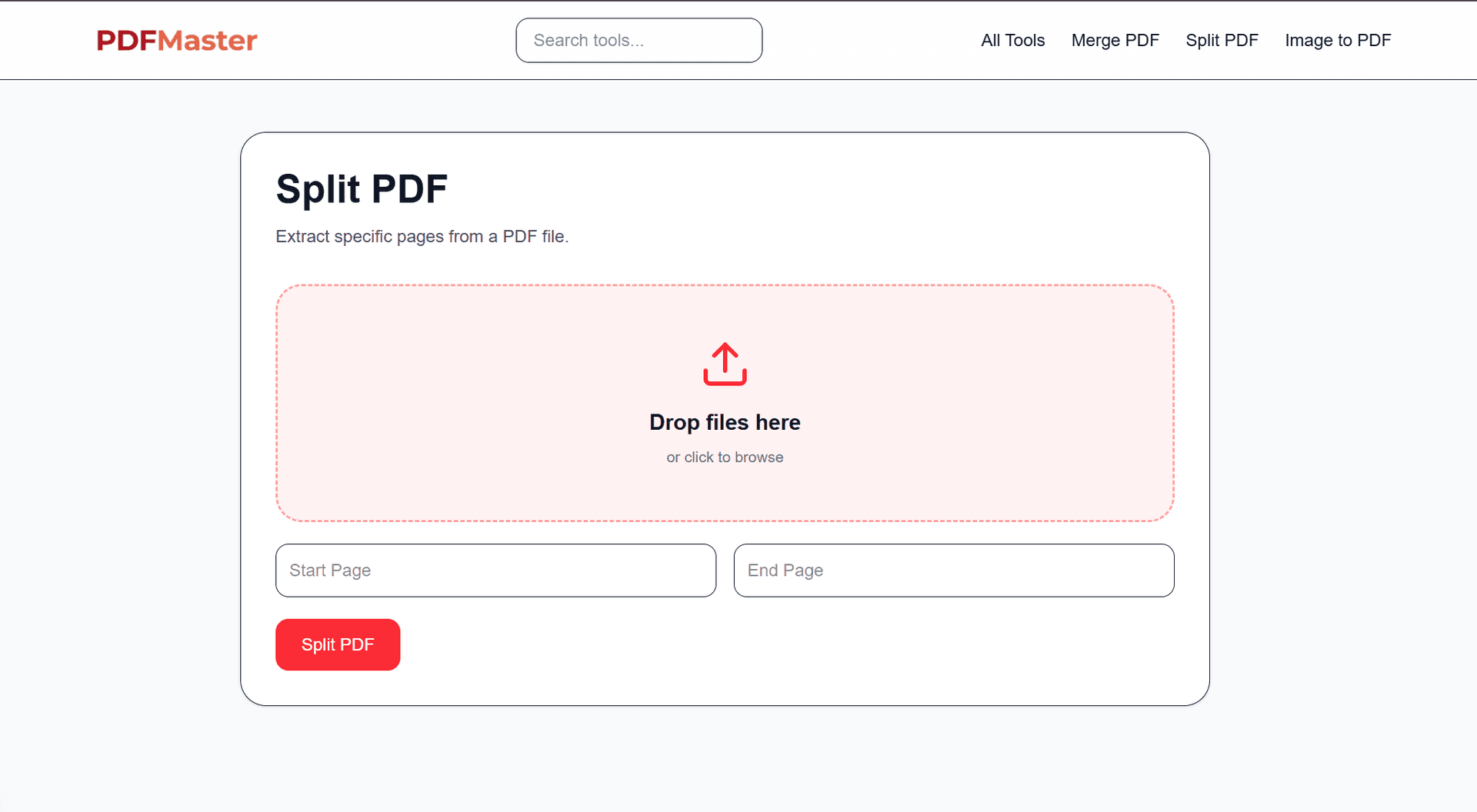
Add text, images, signatures, and annotations to any PDF — no software to install, just a few clicks.
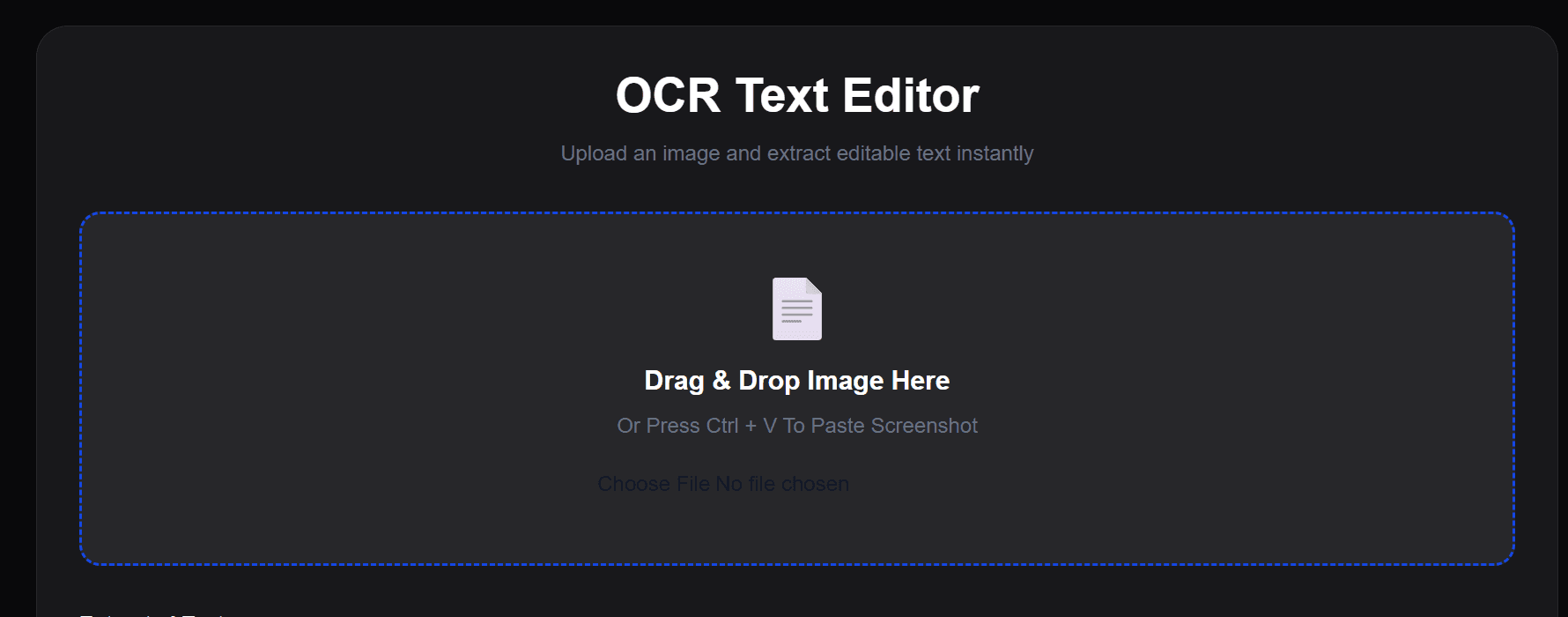
Drag and drop your file, or click Upload to choose one from your device.
Note: Your file is used only to perform the edit and is automatically removed from our servers shortly after processing.
Select the Text tool, then click anywhere on the page to insert new text.
Click any editable text to change the font, size, color, or apply bold and italic.
Upload a JPG, PNG, or SVG and drag it into place — resize or reposition it anywhere on the page.

Highlight important text, underline content, or drop in comments for anyone reviewing the file.
Click Apply Changes, then download your updated PDF.
Add a signature to any PDF in a few simple steps — draw it, place it, download the signed file.
Drag and drop your file, or click Upload to choose one from your device.
Note: Your file is used only to add the signature and is automatically removed after processing.
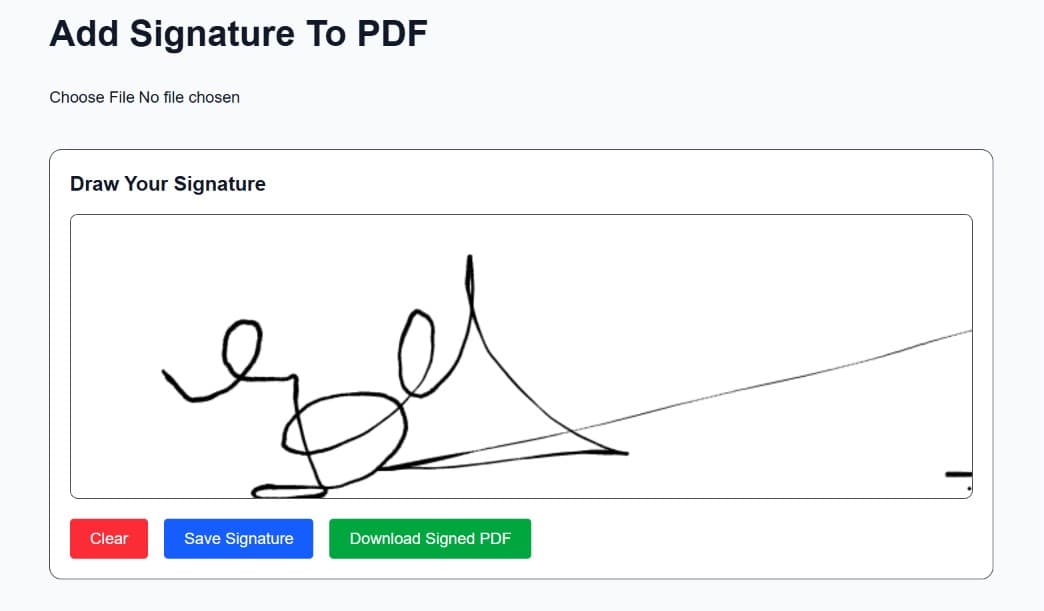
Use your mouse, trackpad, or touchscreen to draw it — clear and redraw as many times as you need.
Click Save to prepare it for placement on the document.
Drag your signature onto the page and resize it so it fits naturally on the signature line.
Double-check the signature is positioned correctly before you save the final file.
Click Download to save the signed document instantly.
Click Upload and choose the file you want to type on.
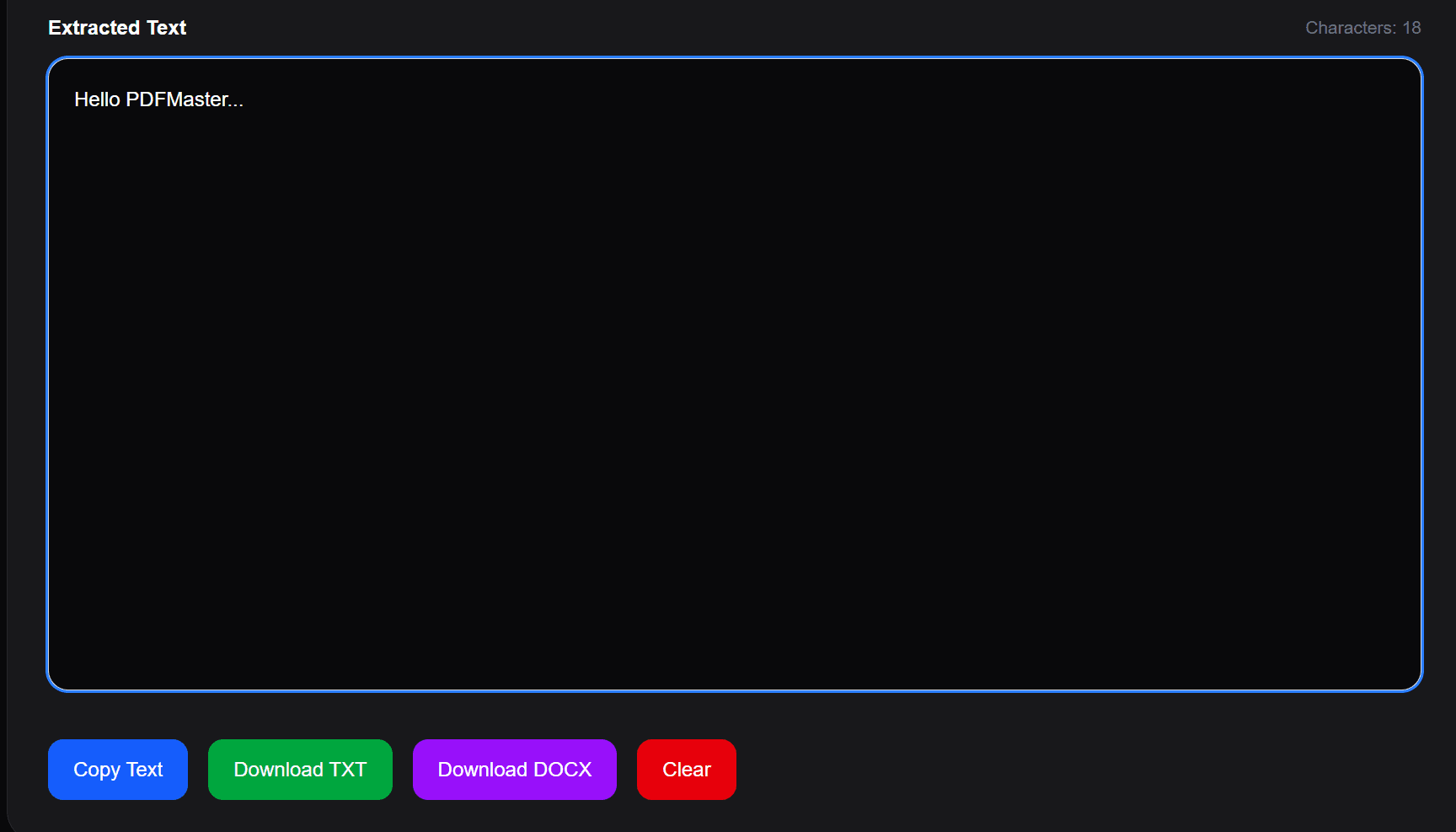
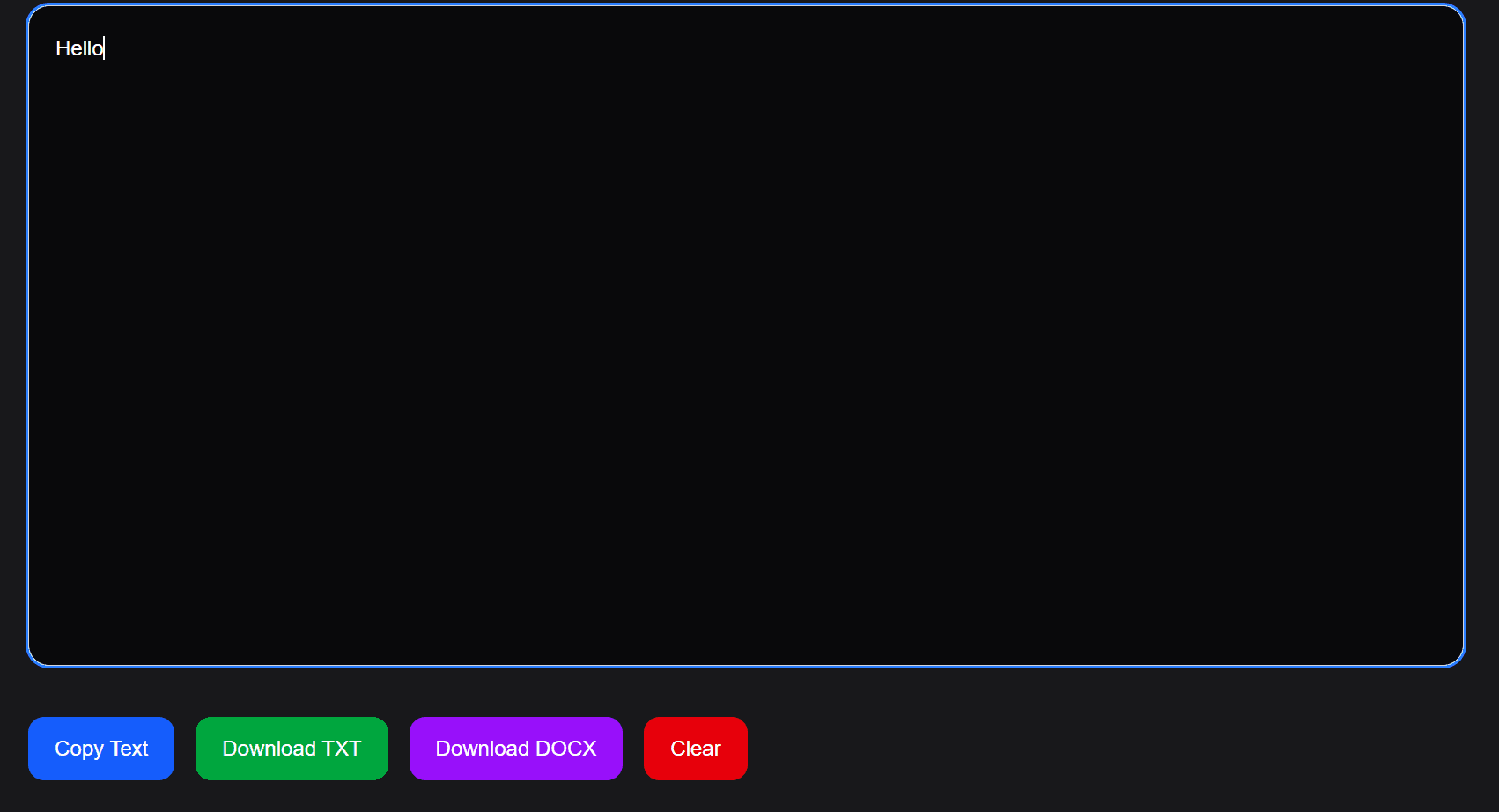
Make sure the Text tool is selected, then click anywhere on the page to start typing.
Click Apply Changes, then Download to get your edited file.